Sharing the Dashboard with Other Users
To edit an existing dashboard:
1. Select Dashboard icon (  ) then select the Content Management tab.
) then select the Content Management tab.2. Select the dashboard and click Edit Info on the action menu to display the Dashboard Details dialog.

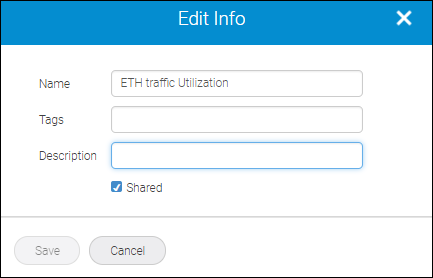
If you check Shared, people who are logged into that instance of SANnav will be able to see the dashboard that you created. If you leave Share unchecked, only you can see that dashboard.
3. Specify details and click Save.
Parent topic